Sign-in at the start of the day, news at the break, safety all day and sign-out at the end. When you need it, switch the same TV to a Channel for an induction, a toolbox talk or a meeting.
Set the day once. The screen changes on time, every day
Head office sets it for every site. The site manager adds to it from a phone
Free forever on one TV. From £10 a TV a month after that
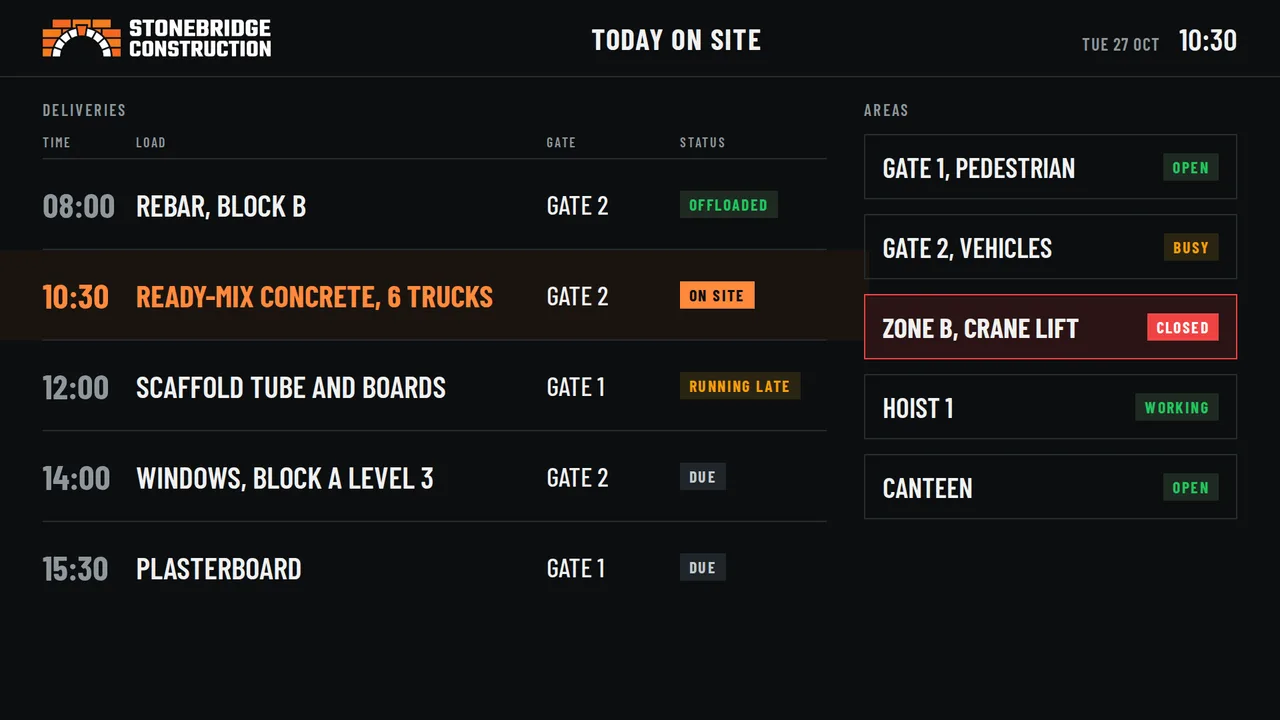
Today on Site BoardOn the site office TV, in your logo and colours
What makes NowBoard different
Five reasons NowBoard is different.
Every plan
Screens that make you money
Local businesses pay to advertise on your screens. You approve every advert and keep most of what they pay.
Tool hire and training in the canteen
Every plan
Run it from your phone
Site managers change their own Board in seconds from a phone, out on site.
Crane lift moved? Changed from the gate.
Every plan
Works on the TVs you have
Android TV, Raspberry Pi, or any Windows PC, Mac or Chromebook in a web browser.
Or plug in our £199 Player Pro
Every plan
Ready for every site
Boards for site rules, notices, weather and countdowns. Change a rule or a delivery without a designer.
One set of rules on every site
Starter and up
AI and your own designs
Describe a Board and AI designs it, or lay out your own. No graphic designer needed.
AI designs on Professional
Ad Space share: you keep 70% on Free, 80% on Starter, 87% on Professional and 92% on Enterprise, before card fees. Prices exclude VAT.
Why NowBoard
Every cabin. Same rules. One login at head office.
A construction firm has three other ways to get information to site. Here’s how they compare.
Built for many sites
Laminated postersPrinted and pinned in each cabin
Intranet or TeamsMessages from head office
Other screen appsMade for shops, offices and cafés
Reaches every site at once
✓One change, every cabinHead office sets it, every site sees it
✗Printed and posted to each site
~Only if people log in
✓If you set it up yourself
Seen without logging in
✓On the cabin wallNo login or app for the workforce
✓On the wall
✗Needs a login
✓On the wall
The site manager adds today’s plan
✓From a phoneDeliveries, lifts, road closures
✗Print a new one
~Varies
~Usually built on a computer
Evacuation alert on every screen
✓One tapEvery cabin, on Professional
✗
~Only on phones and laptops
~Varies by plan
Moves with the cabin
✓Player Pro goes with itPlug it in at the next site
✓Take it down, put it up
✓Nothing to move
~Varies
What it costs
✓Free on one TVThen £10–£20 a TV a month. No contract
~Printing and posting, every change
✓Already paid for
~Priced per screen, often in US dollars
A general comparison of types of product. Check with each supplier for their latest features and prices. NowBoard prices exclude VAT.
What’s on the wall now
A rule changes at head office. The sites find out slowly.
Site rules, inductions and today’s plan end up on laminated sheets and in emails nobody on site reads. Sound familiar?
The laminated poster
It was right when it went up. Nobody is sure which version is on which site.
The workforce
They don’t log in to the intranet. They do look at the cabin wall.
Today’s plan
Deliveries, lifts and closures live on the site manager’s phone, not where the gangs can see.
The alert
An evacuation or a new hazard has to reach every cabin now, not at the next toolbox talk.
The rules are right.NowBoard puts them on every cabin wall, and keeps them current.
Your TVs, each with a job
A screen in every cabin. Each one with a job.
Pick a Board, type in your details, and it’s on the TV. Every Board is ready to use, and you can change any of them.
Welfare cabinSet by head office
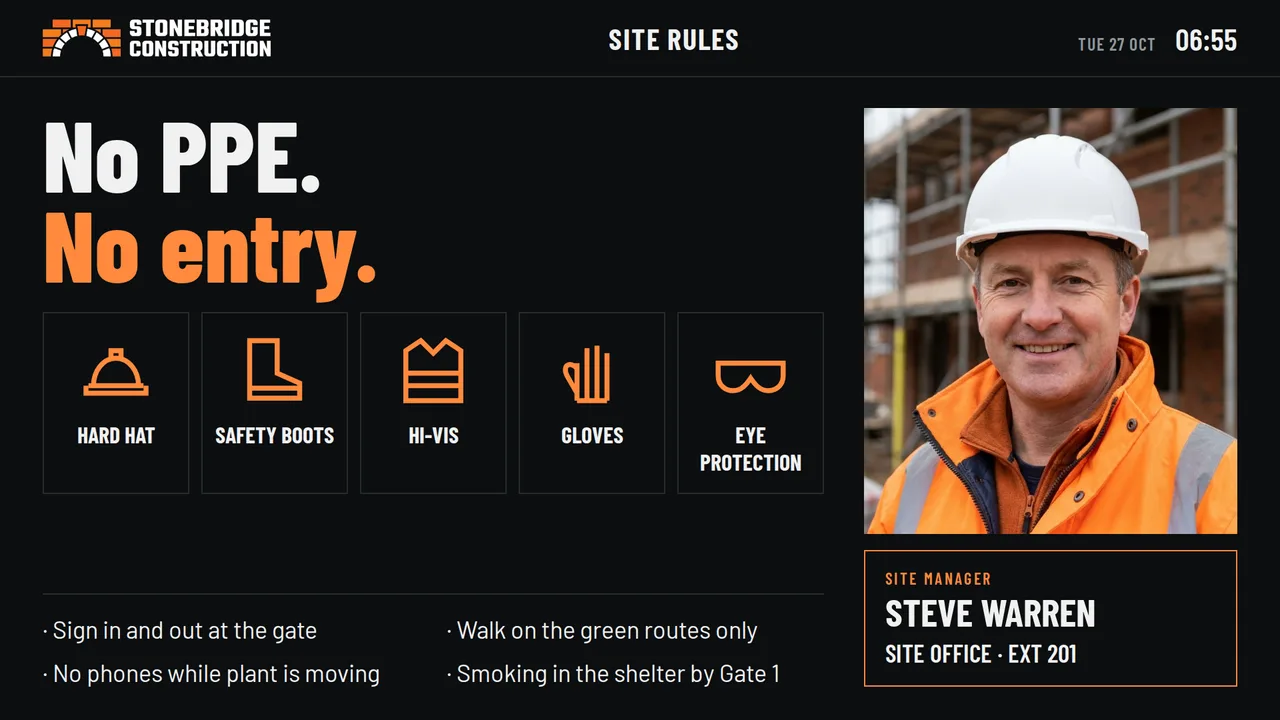
Site rules and PPE
Who to ask
Site officeTyped by the site manager
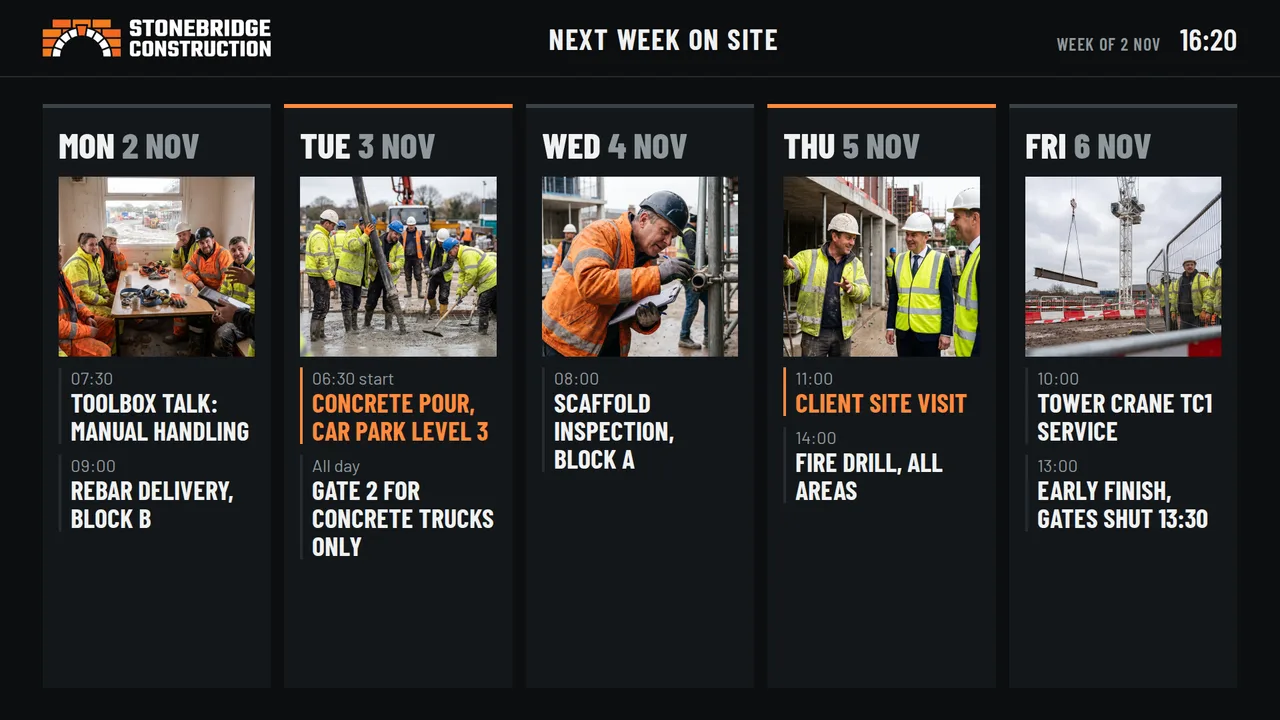
Next week on site
Deliveries and lifts
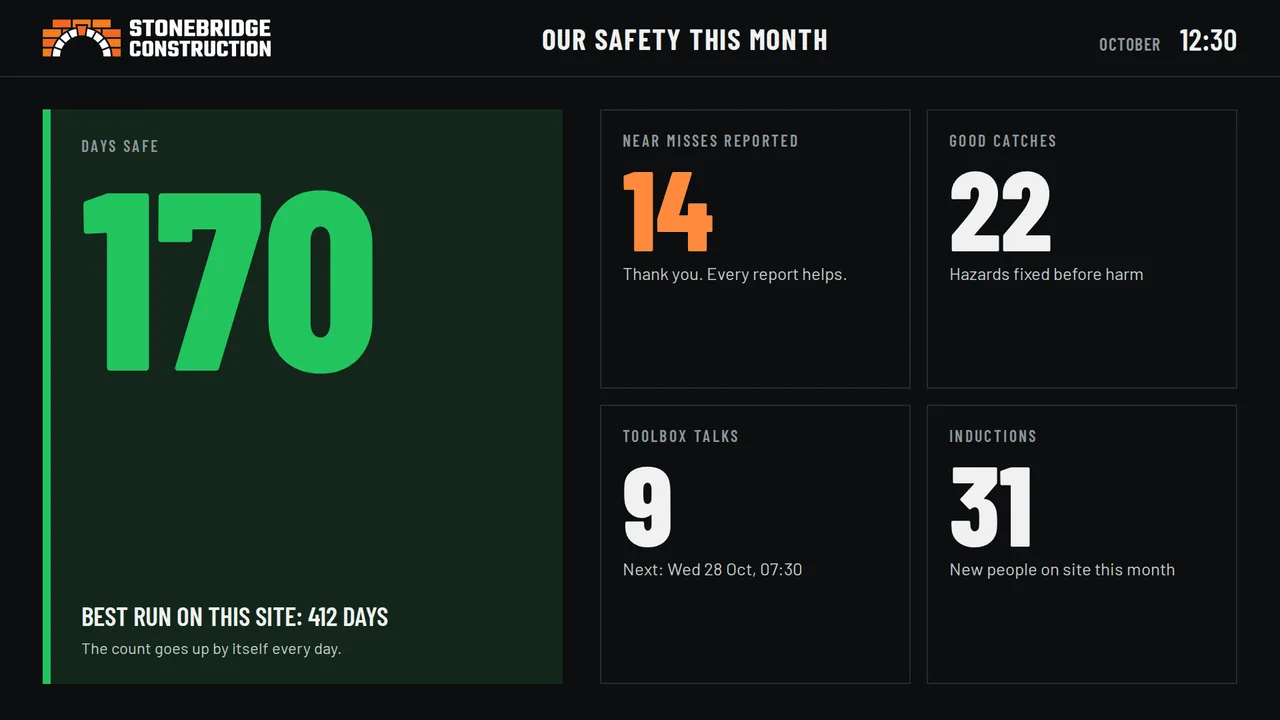
CanteenThe safety record
Days safe
Near misses and good catches
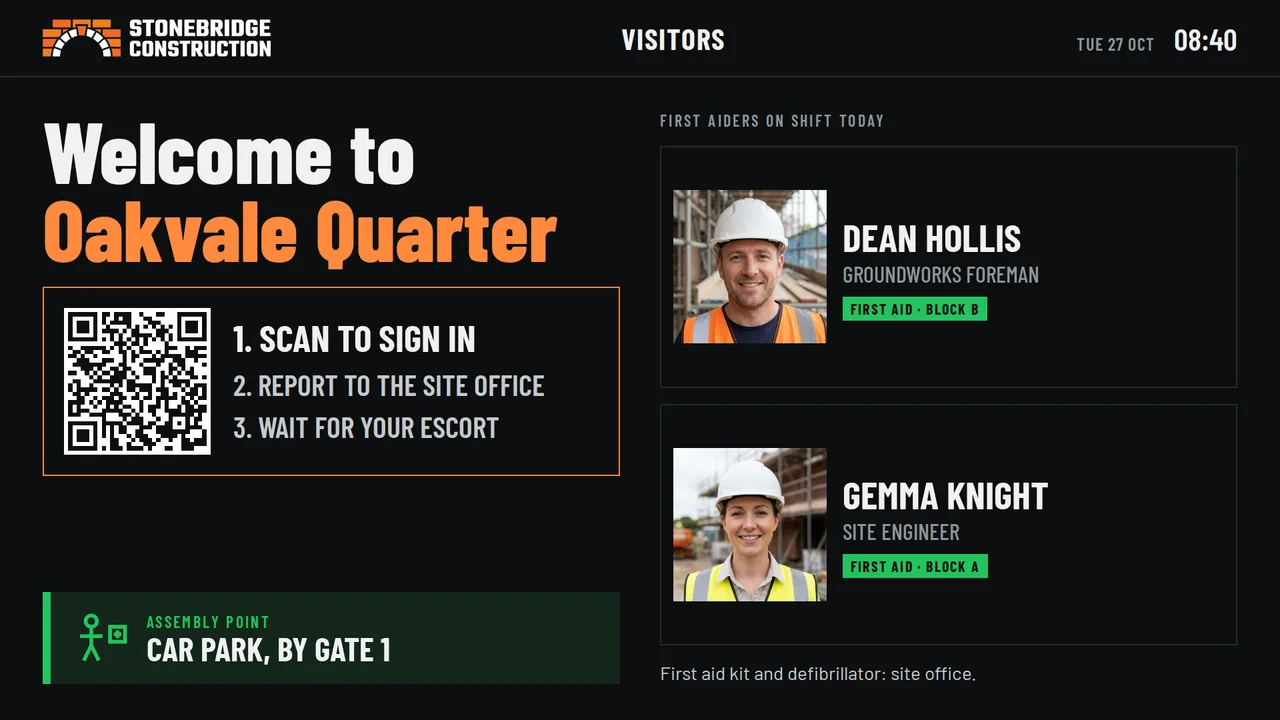
GateVisitor sign-in
QR code to sign in
Assembly point and first aiders
Every screen shown is a ready-made Board. Type in your details and add your logo. The safety record is a number you type in.
A day on site
Set the day once. The cabin TV follows the shift.
Give each part of the day its own Boards. At each time, the screen changes by itself, every day. Tap a time to see it.
Time-of-day screens come with Professional and Enterprise. Each site uses its own time zone.
Cabin TV
A Channel for every job
One TV. A Channel for every job.
The Site Channel follows the time of day. When you need the screen for something else, switch the TV to another Channel. Tap a Channel to see it.
Each Channel has its own playlist and its own time-of-day plan. Switch a TV to another Channel from your phone, and switch it back when you finish. Beam needs Professional and a Player Pro or the Windows player.
Cabin TV
One screen, many jobs
The same TV runs the rest of your site.
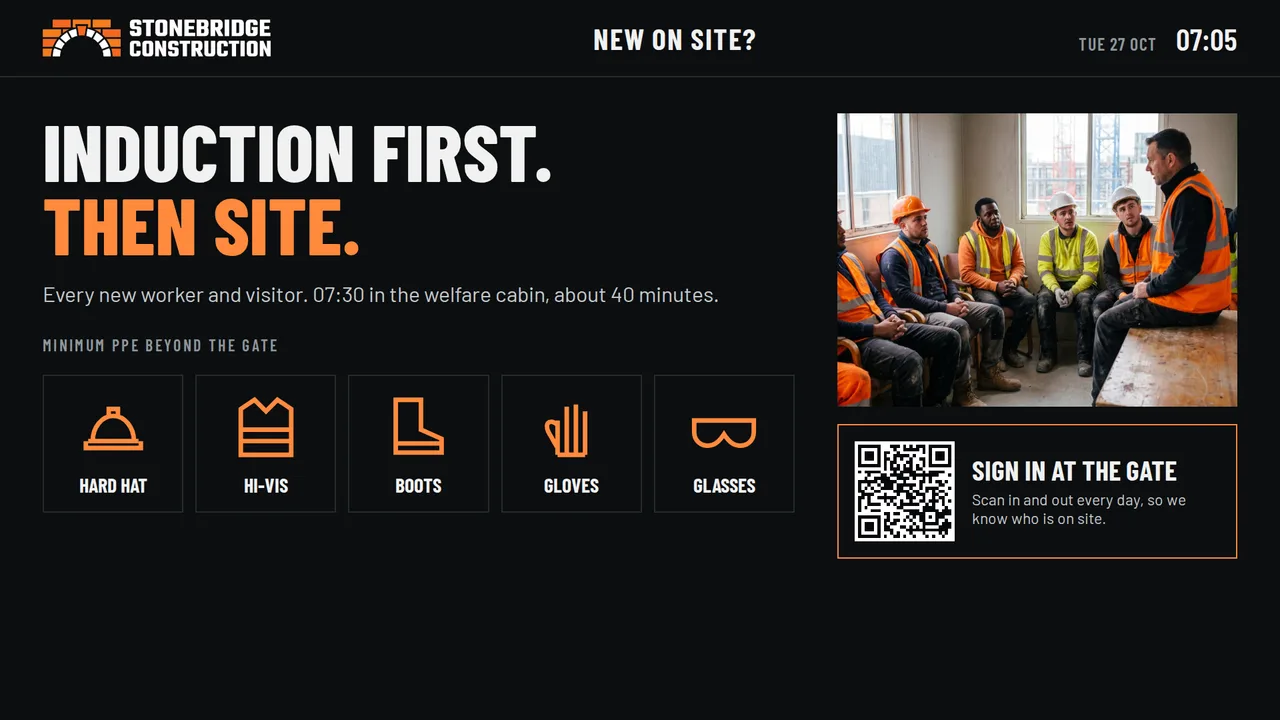
Inductions
Site induction
Show your own induction slides. The new starter scans the QR code and moves the slides from a phone. No login.
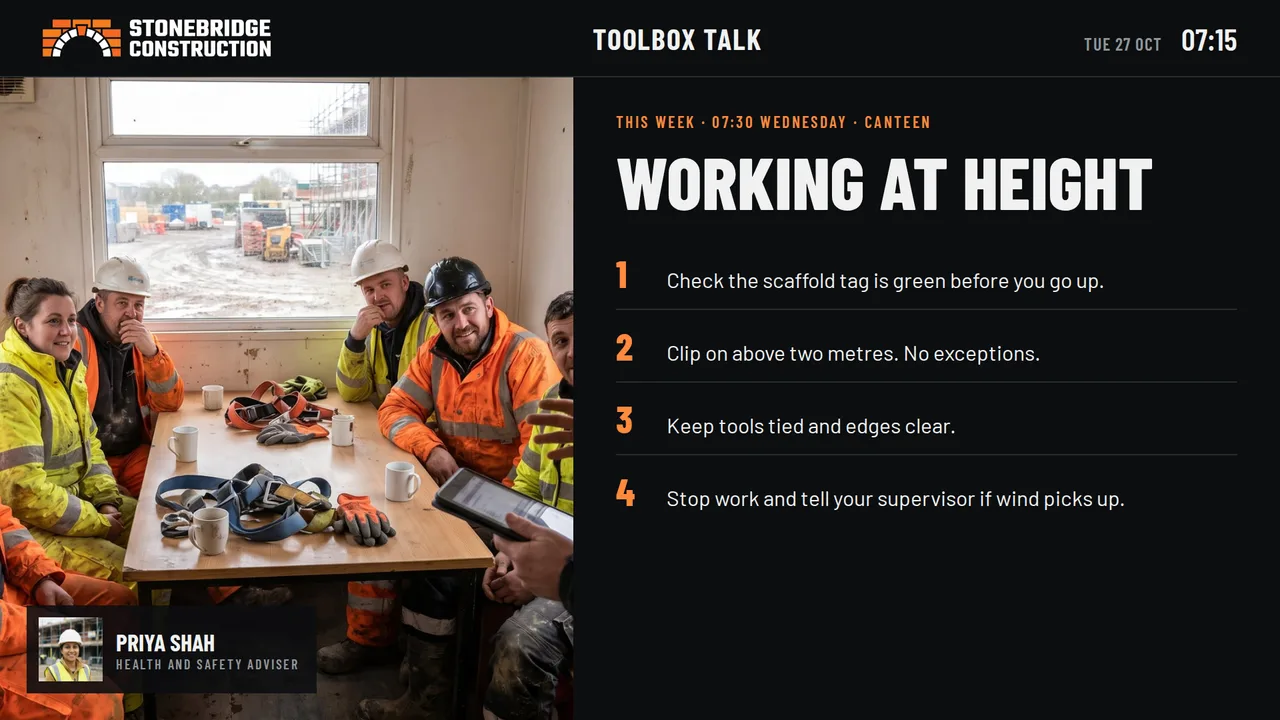
Toolbox talks
Toolbox talks
Give the talk from your phone. The gang sees the same four points on the big screen.
Site officeBeam
Share your screen
1Open beam.nowboard.tv
2Type code 4KD 7QP
3Share a browser tab
Meetings
Beam your laptop
Show drawings and programmes from a laptop on the site office screen. No cables, no app.
CanteenLunch 12:00 to 13:00
Today’s hot food
£4.50Chilli con carne
£3.80Jacket potato, cheese and beans
£2.00Bacon roll, all day
Canteen
The canteen menu
Dishes, prices and dietary marks. The breakfast menu changes to lunch at the time you set.
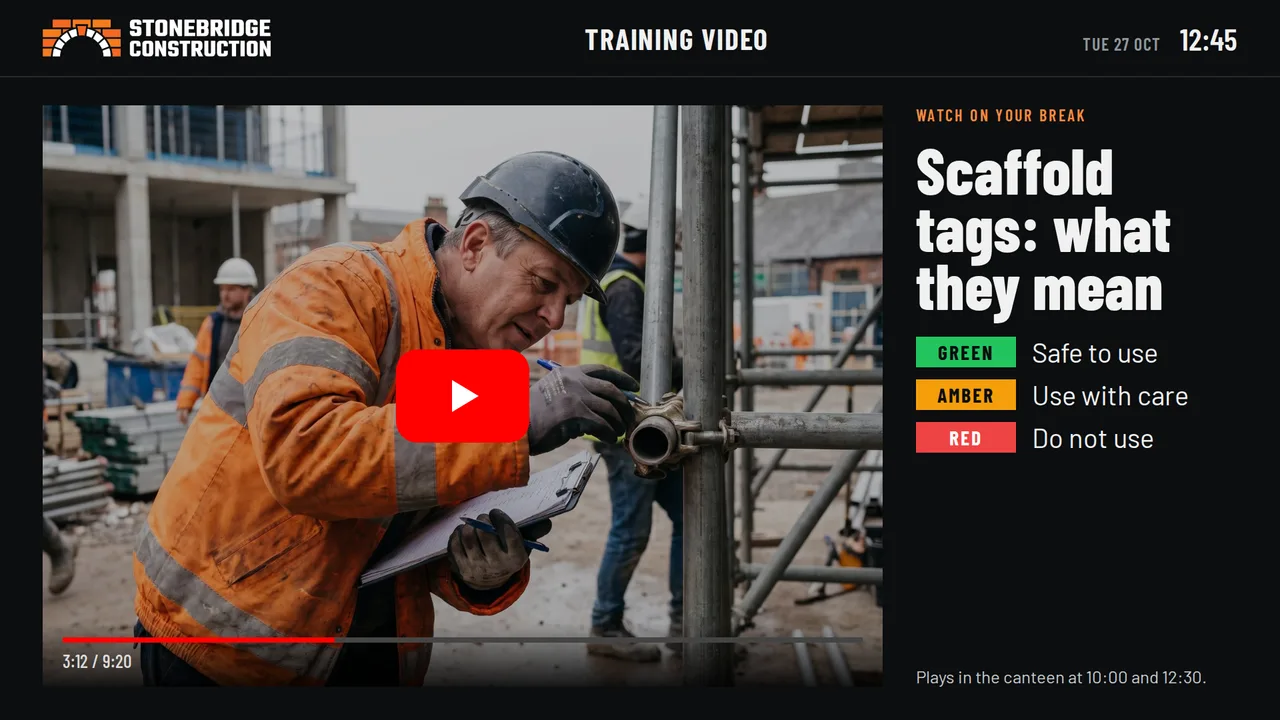
Breaks
Videos and the news
Short safety videos, BBC News and the weather at break times, so people look at the screen.
Plans
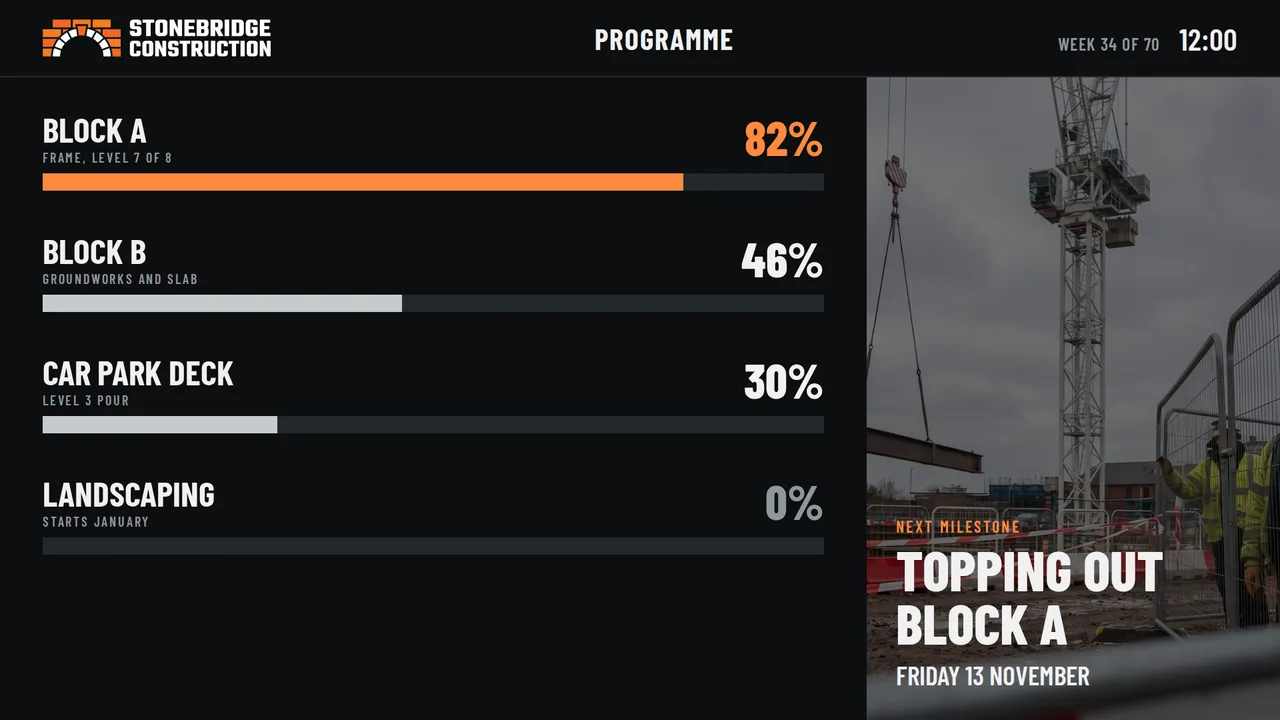
Programme and milestones
Progress on each block and the next milestone, so every trade sees the target.
Beam comes with Professional and Enterprise, on a NowBoard Player Pro or the Windows player. Sign-in QR codes open the sign-in form you use now.
More Boards for your sites
Ready to use. Type in your details.
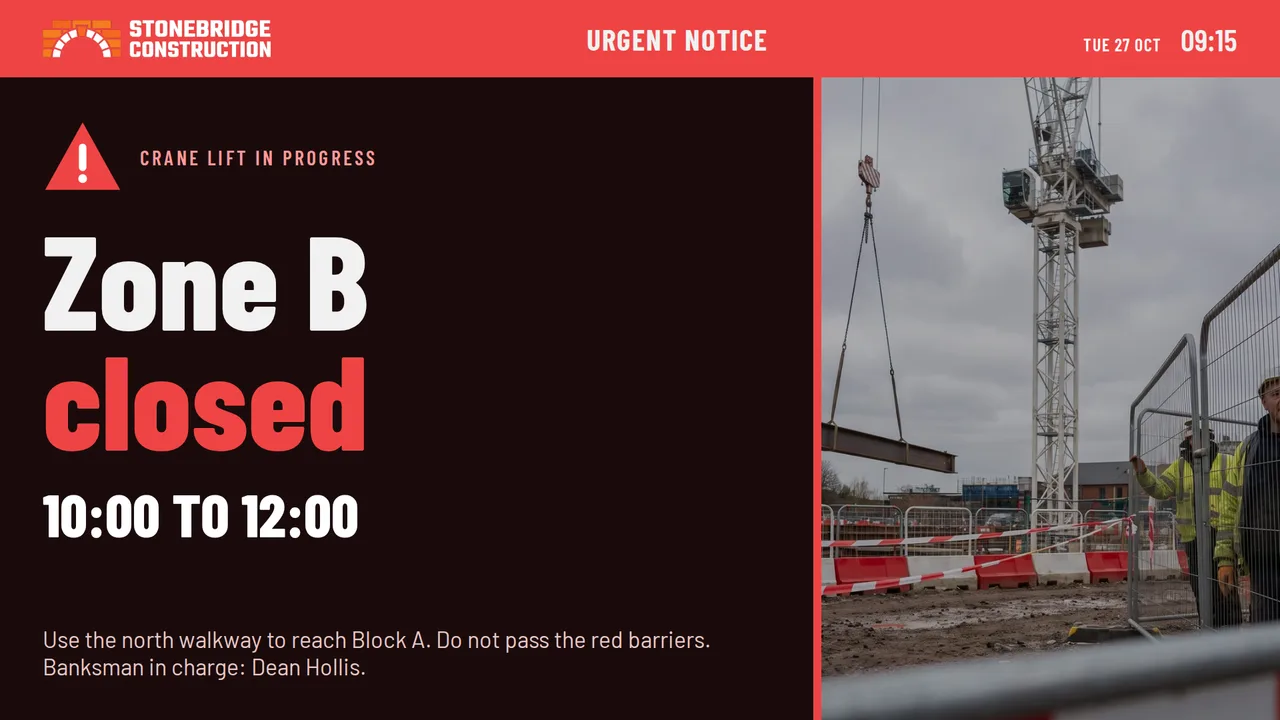
Urgent site noticeClose a zone on every screen on site at once.
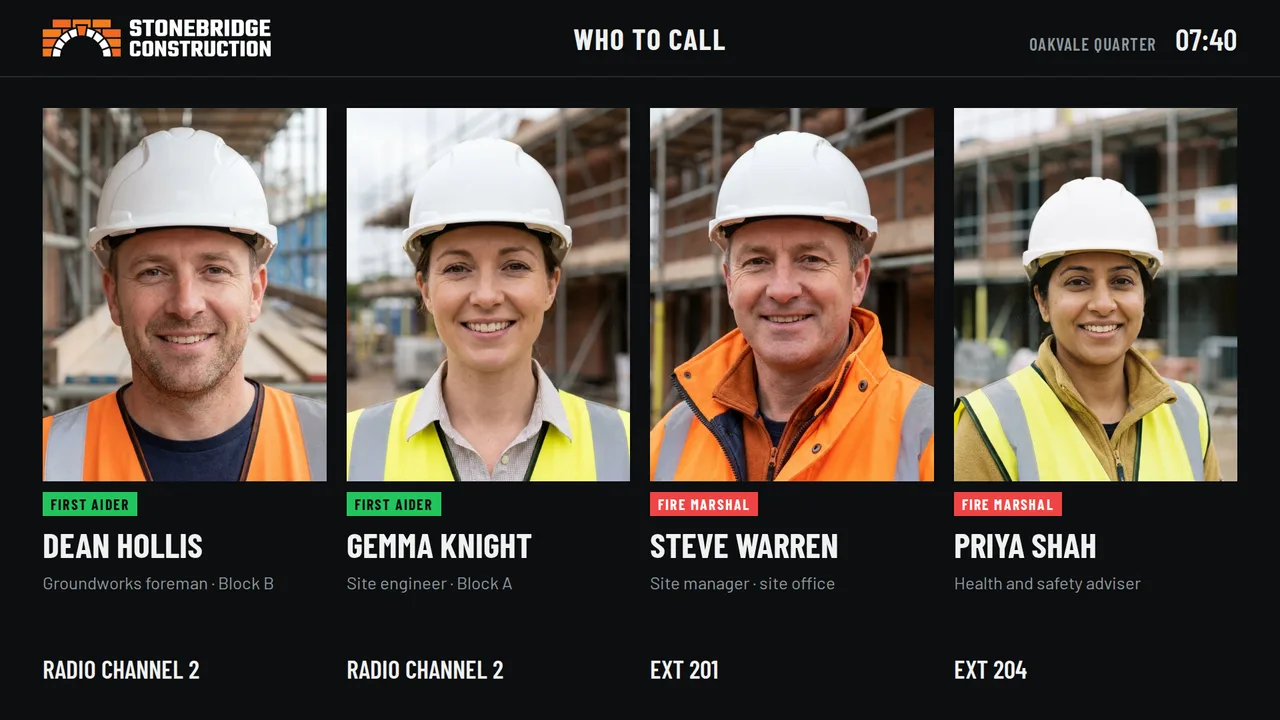
First aiders and marshalsWho to call, with faces, so new workers find help fast.
We’re hiringOpen roles, pay and a QR code, so your workforce can refer people.
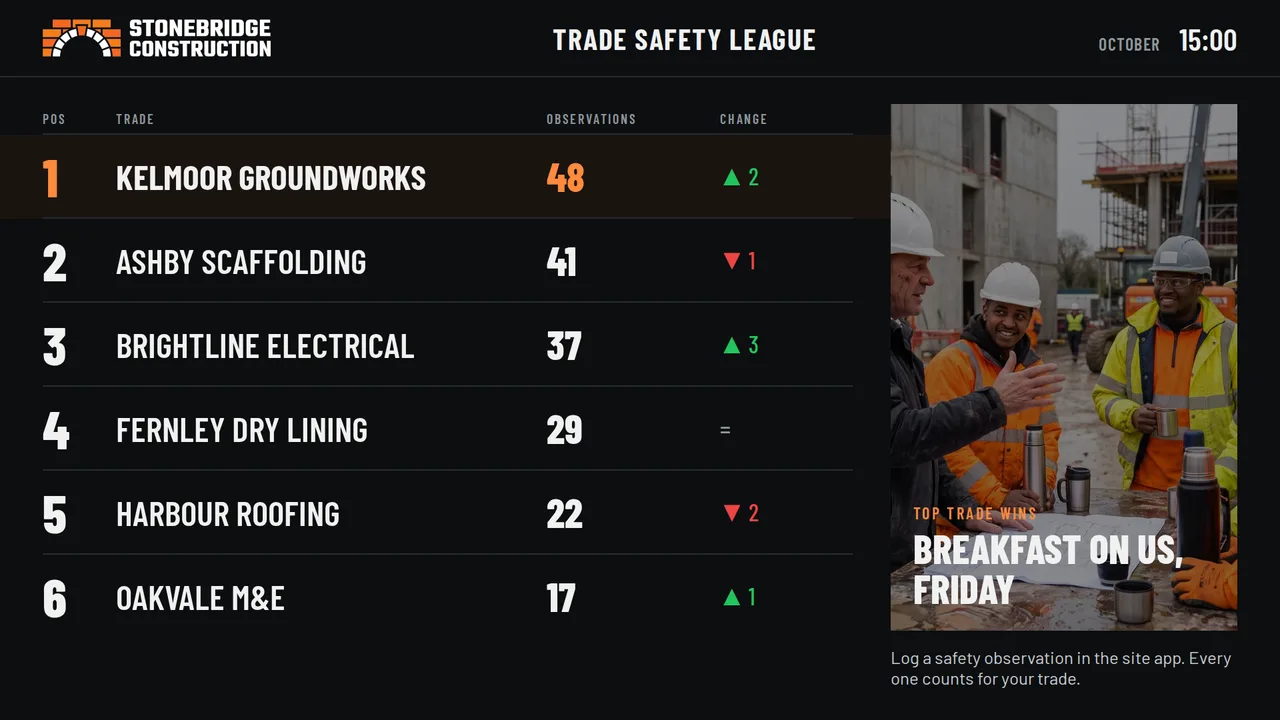
Trade safety leagueRank trades by safety observations. Make good habits a contest.
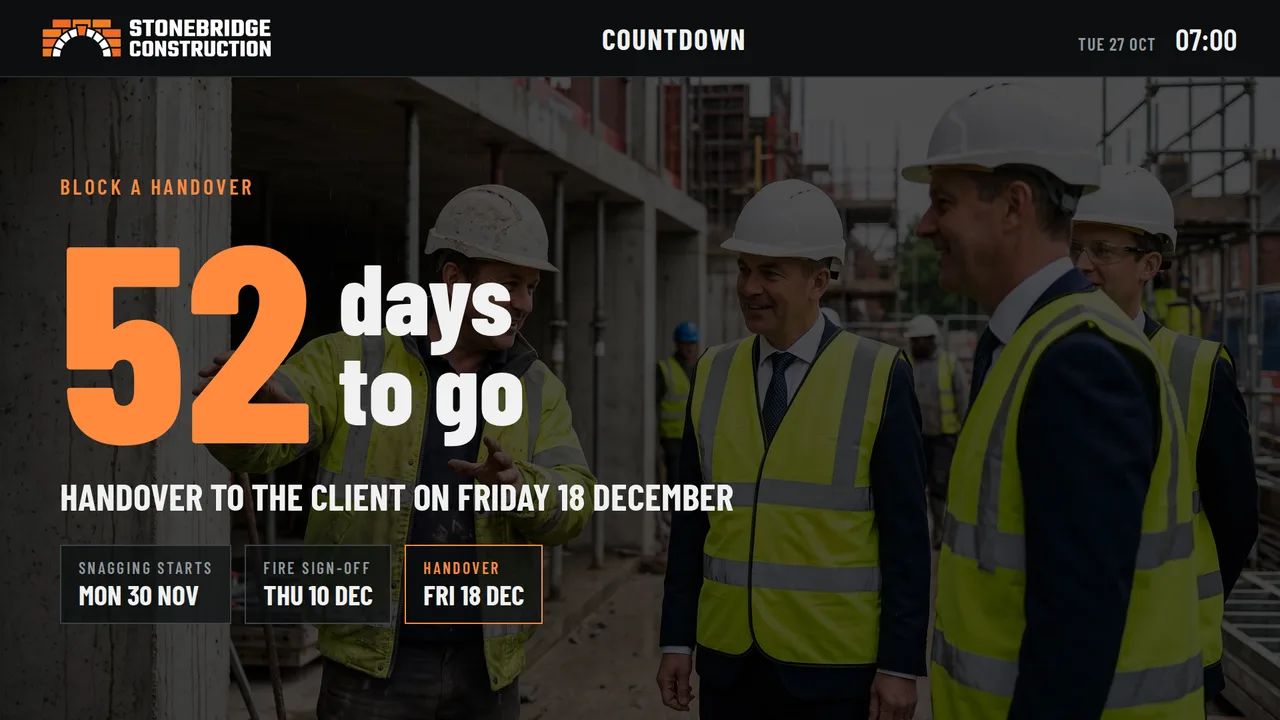
Handover countdownEvery trade sees the deadline each day.
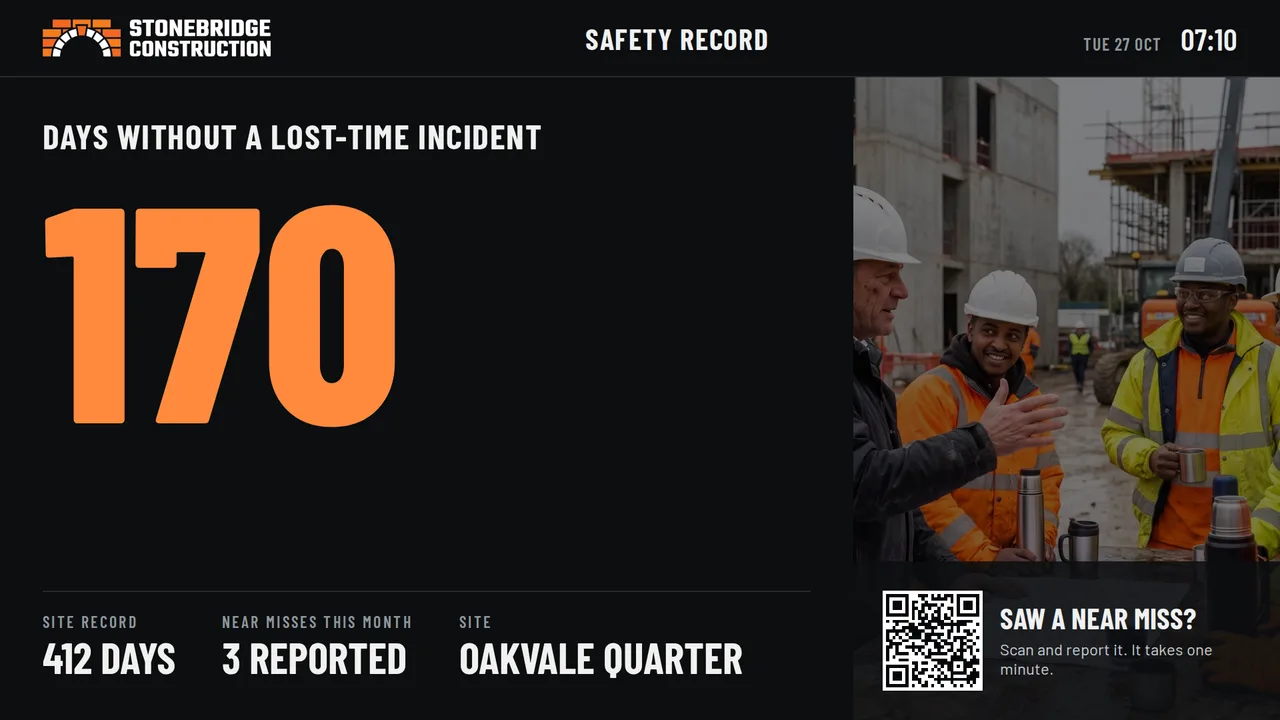
Safety recordDays without a lost-time incident, and a QR code to report a near miss.
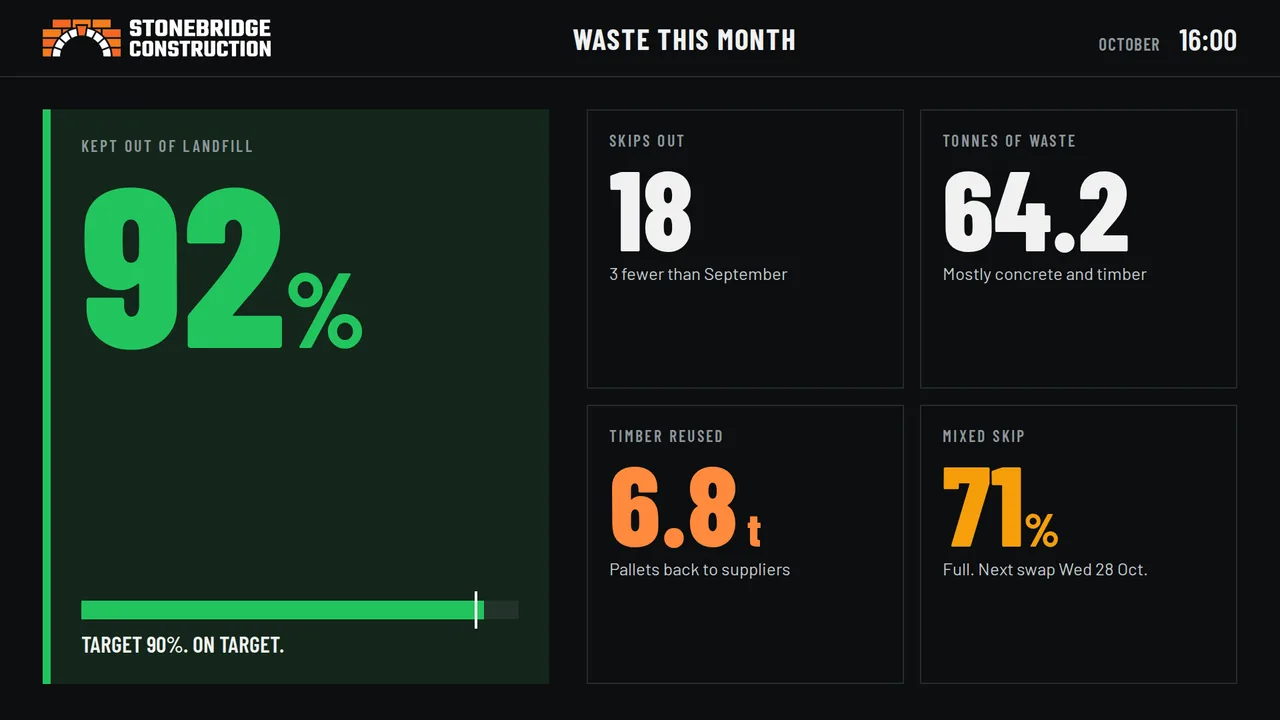
Waste and recyclingWaste kept out of landfill against your target.
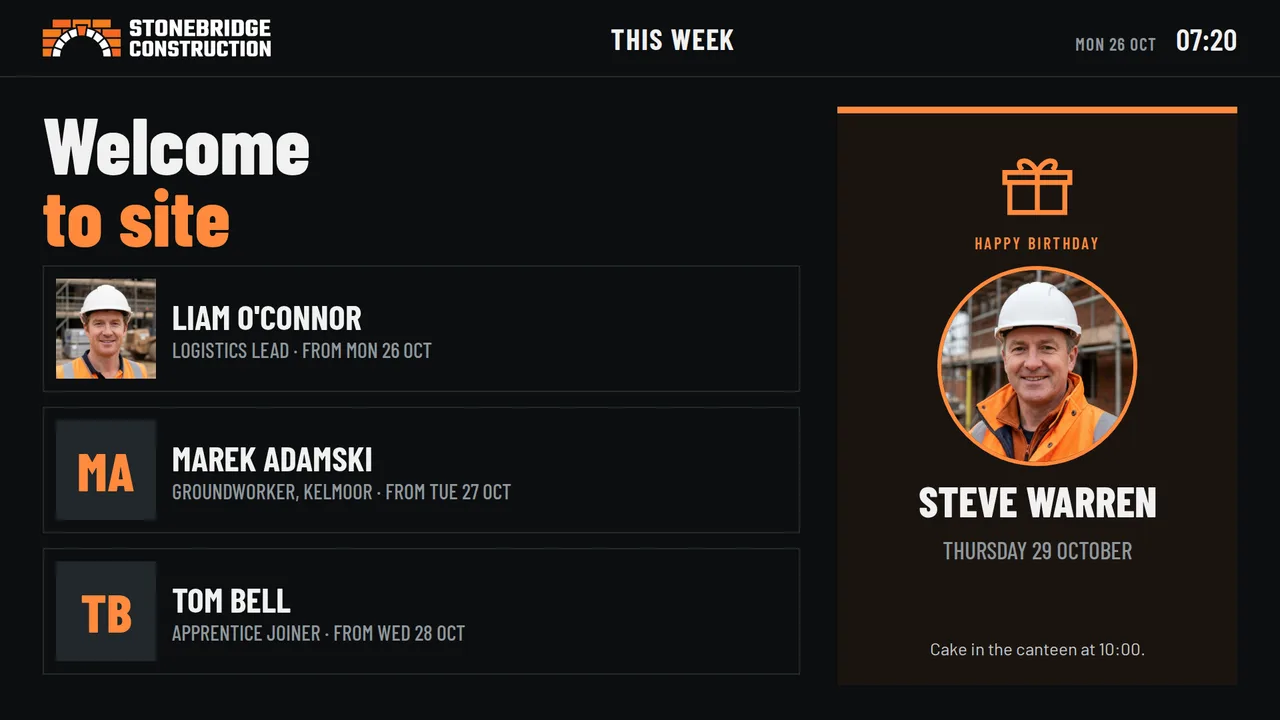
Welcome and birthdaysWelcome new starters by name.
All examples use a sample firm. Your screens show your logo, colours and sites.
Update from anywhere
Crane lift moved? Change it from your phone.
Today on SiteSite TVs
Harper BuildToday
Today on site
11:00Crane lift Zone B
14:00Concrete pour Level 3
RoadMill Lane closed
Cabin and canteen TVsUpdates in seconds, on every TV showing this Board
No laptop, no printer, no drive to site. The site manager changes their own Board from a phone. Head office sets the rules for every site. Try it: change the details and press Update the TVs.
Emergency alerts
Evacuate means evacuate. Every cabin at once.
One tap puts the same message on every TV on every site. One more tap puts everything back as it was.
Ready-made alerts for a fire, a fire drill, an urgent notice, building work and a missing person, plus your own messages. They come with Professional and Enterprise.
For construction firms
One login. Every site.
Head officeSets the screens every site shows: rules, safety, notices
Mill Lane
Adds its own deliveries and lifts
Harbour View
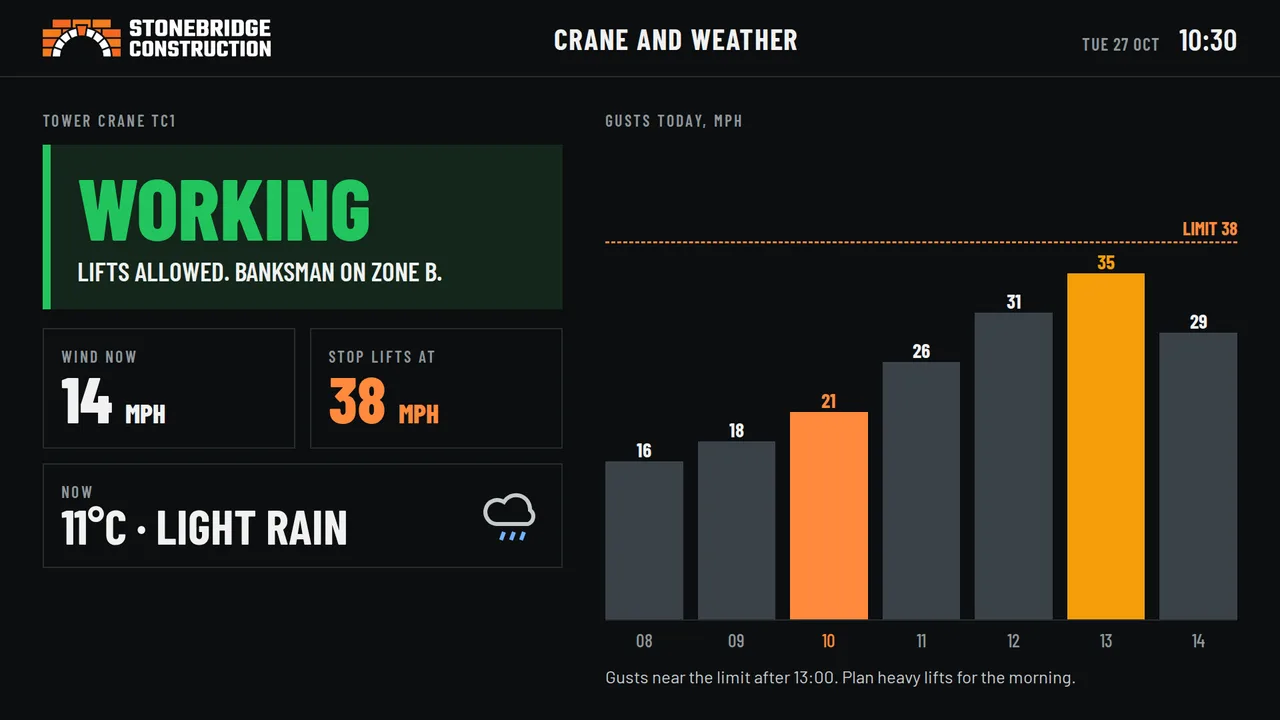
Adds its own crane and weather
Station Road
Keeps its own safety record
Every site in one accountSee and change every cabin screen from one login.
Shared where it should beHead office sets the rules and safety Boards. Each site adds its own plan for the day.
Moves with the jobWhen a site closes, the Player Pro goes to the next cabin and the licence goes with it.
Larger firmsEnterprise adds help setting up every site, a team who knows your firm, and lower prices for large groups.
Getting it on the TV
It works on the TVs you already have.
Any TV with an HDMI socket will do. Each TV needs an internet connection, over Wi-Fi or a cable.
The NowBoard app
Runs on compatible Android TVs and TV sticks, a Windows PC, or in a web browser.
Free with every plan
Player Pro
A small box that plugs into the TV’s HDMI socket, starts itself and just plays. Optional.
£199 one-off, per TV
We can fit it for you
Our installer comes to your sites. UK only.
Fit and set up a TVFrom £100 a TV, subject to location
1
Sign up freeAt app.nowboard.tv. No card needed for the free plan.
2
Connect the cabin TVOpen the app or plug in Player Pro, then type in the code it shows on the TV.
3
Pick a BoardAdd your site rules and your logo. It’s on the screen.
All prices exclude VAT. If we supply a TV, you pay what it costs us. Cabins need internet: a 4G router works.
Optional · Ad Space
Suppliers can pay you to advertise.
Ad Space is off unless you turn it on. You choose which screens show adverts, and you approve every one.
1You choose where and how muchFor example, the canteen TV only, never the safety Boards. You set the price of a slot.
2A local business booksThey send their advert through your own booking page.
3You approve itNothing shows until you say yes. Then they get a link to pay.
4It plays, you get paidThe advert runs between your own Boards. The money goes to your account.
Who might advertise? Businesses your workforce uses: tool and plant hire, PPE suppliers, training providers, local cafés, agencies hiring for the next job. You decide what fits your sites.
An example, not a promise of income: what you earn depends on what you sell. NowBoard takes a share of each advert (Starter 20%, Professional 13%, Enterprise 8%; 30% on Free). Card payment fees come off before you are paid. Prices exclude VAT.
Pricing
Pay per TV. Start free.
Pay monthly with no contract, or pay yearly and get 2 months free. Paid plans have as many Boards as you like and no NowBoard logo.
Free
£0 forever
One TV
Up to 5 Boards
Rules, notices, weather and more
Your logo and colours
Shows the NowBoard logo
Starter
£10 a TV / month
As many TVs as you need
As many Boards as you like
Something different on each TV
Every Board design and style
Design your own Boards
Best for most sites
Professional
£20 a TV / month
Everything in Starter
Boards that change through the day
Evacuation and emergency alerts
Describe a Board and AI designs it
Enterprise
£30 a TV / month
Everything in Professional
For construction firms
Help setting up every site
A team who knows your group
Lower prices for large groups
All prices exclude VAT. For example, 20 sites with 2 TVs each: the welfare cabin and the canteen. Pilot three sites first.
Next steps
Pilot three sites this month.
This weekFree on one cabin TVYour head of safety puts up the site rules. No card, no contract.
This monthPilot three sitesProfessional, so screens change through the day and an evacuation reaches every cabin. £20 a TV a month.
As sites openEvery siteA Player Pro per cabin. It moves with the cabin when the job ends.
Let’s get your first cabin TV going.
We can set it up with you on a call, or come and fit it.
 Download PDF